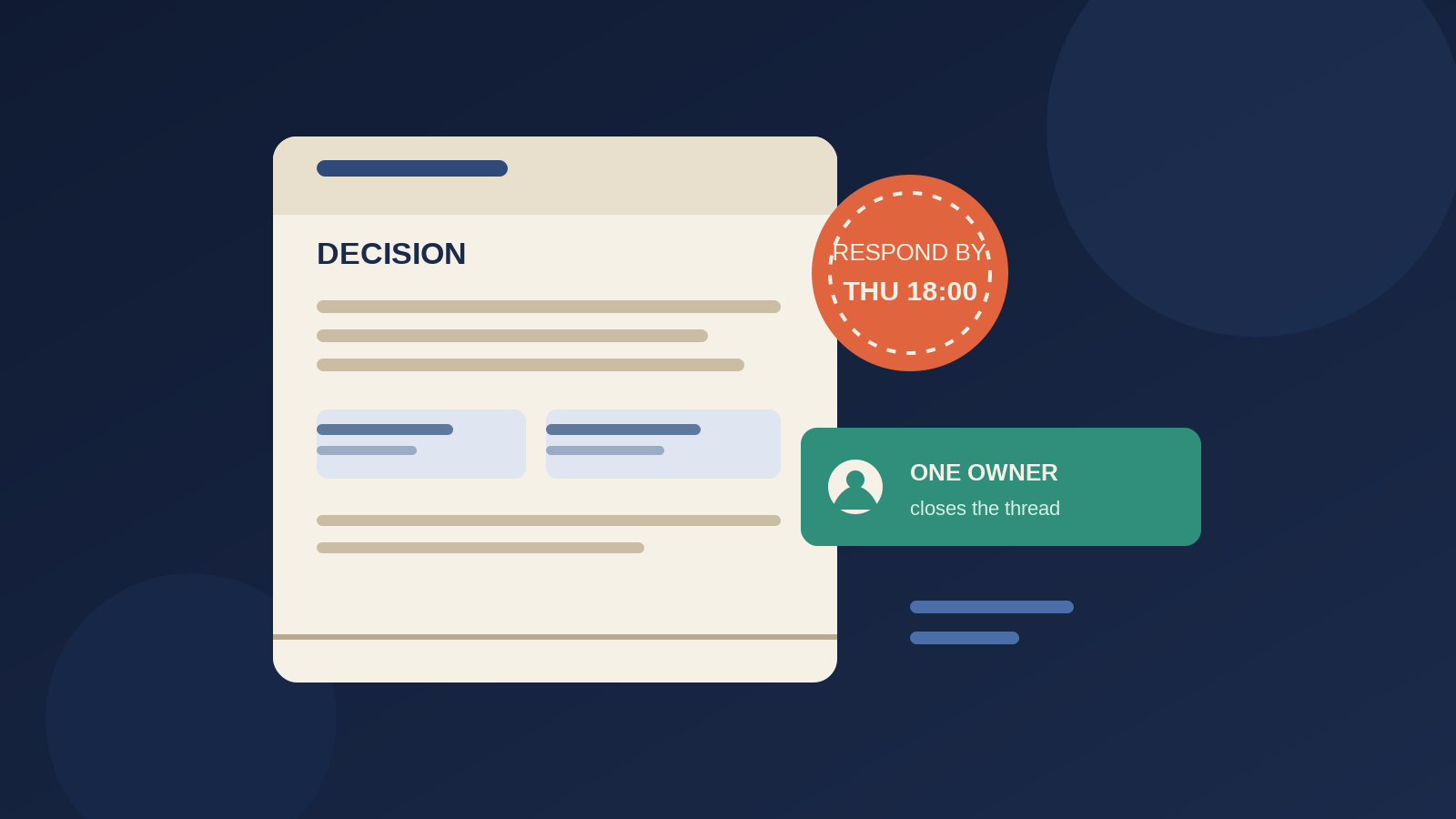
Put the question near the top of the document and tell reviewers when you need an answer. “Can we support the same returns process at both warehouses?” gives people a specific job. “Thoughts welcome” can work for a rough draft and becomes harder to interpret near a decision.
Make the draft readable in one sitting. Include the option you favor, the evidence behind it, and the tradeoff you expect reviewers to check. Then give each reviewer a responsibility. A warehouse lead can check the handling steps. The finance reviewer can check reconciliation. Both can see who will decide when they disagree.
Separate questions from approval
Atlassian’s DACI framework names one approver as well as the people who contribute information and those who need to hear the outcome. A document review can use that structure without a large meeting. Ask the person who drives the decision to summarize open items and take them to the approver. Atlassian
Set a deadline and assign the decision.
Please check steps 2 and 4 by Wednesday at 16:00 UTC. Put a blocking comment against any step that cannot work in your location and explain why. I will incorporate copy edits on Thursday. Elise will decide between a shared returns route and separate routes.
Give people enough time across working schedules. If a required reviewer misses the deadline, use the backup you agreed on or change the date. A missing comment can simply mean they never saw the document.
Ask each reviewer for the kind of decision they can make
Write the governing question at the top, together with the paragraph or table reviewers should check. Suppose two warehouses have to use a returns process. Ask the warehouse leads whether they can carry out the steps with their existing staff and tools. Ask the person who reconciles the records whether they need different fields. The approver can compare the replies and decide whether one process can serve both. Give every person the same underlying draft and link to the current rule so they can say which part they are testing.
Set a date for applying comments and tell people what the deadline means. You might need input before a planned change Friday. Give remote reviewers enough working time and let them see what happens if they cannot reply. For an approval affecting a second team, find the backup or move the decision until their input arrives. For an optional copy review, the author may be able to continue after the time agreed. The difference belongs in the prompt, because silence has several possible explanations.
Atlassian’s DACI guide assigns one approver and describes different roles for people who provide input. You can use those distinctions without a formal meeting. Put the person’s name by the question they can answer and write who will summarize disagreements. Ask the approver to confirm their role before the review begins. Atlassian
Record what each blocking comment affects
Suppose a reviewer says step four is “a problem for us.” Ask them which part fails and what input would make it possible. They might be unable to approve a refund in the proposed tool, while the other warehouse can. Put a short description of both situations beside the comment. If they suggest a change that affects the other team, point that team to the new option. A discussion in the document can carry enough context for a second reviewer to decide after the first one goes offline.
Keep the issue and change together. A spelling correction can be accepted in place. A request that changes how the team approves money needs an explicit owner and decision. You can tag such comments based on their effect, using names readers can understand. For example, “Blocks shipping if unaddressed” gives the author enough information to act. An informal preference can be recorded as such until the approver weighs both options. When a comment contains several subjects, split it so one response cannot be mistaken for approval of all of them.
GitLab’s communication handbook describes organizing asynchronous work around shared artifacts. Use the same draft or a linked issue to record evidence and decisions. Readers who arrive later should find the open question near the section it concerns. If the team talks over a call to resolve it, write the outcome in the document where colleagues left the original comments. GitLab
Check the decision against the draft that reviewers actually saw
Suppose an author revises a step after reviewers respond. If the change affects who can do the work, ask the people affected to check the new wording. Mark when comments applied and which version the approver saw. If a reader opens the old link, they should see a route to the current draft. Include a plain-language note about which options were considered and why the group chose the current one. The review record does not need to include every conversation if it preserves the reasoning that affects future work.
At the deadline, list the points that are settled and the one issue that still needs a choice. Ask the approving person what they need from the group now. They might choose an option in writing or ask for a short call with only the relevant contributors. Send the result to the people who will use it, and leave a way to report a factual mistake. A later change in staffing or tool permissions could make the approved step impractical. Give the next reviewer enough history to see which condition would warrant another decision.
Close the review where it happened
GitLab’s communication guidance places asynchronous discussion around shared work artifacts. Read through the comments at the deadline, resolve the ones you can, and post the remaining choice with evidence. Keep the decision in the document or link it from there. GitLab
If two comments seem to conflict, restate each in terms of the work. The teams might actually disagree about who can authorize a return rather than whether the instructions read well. Bring only the unresolved question to a short call if needed. Record the result so the people in distant time zones can see who decided and what changed.
Once the document owner closes review, record the decision in the place the team uses to find settled changes.