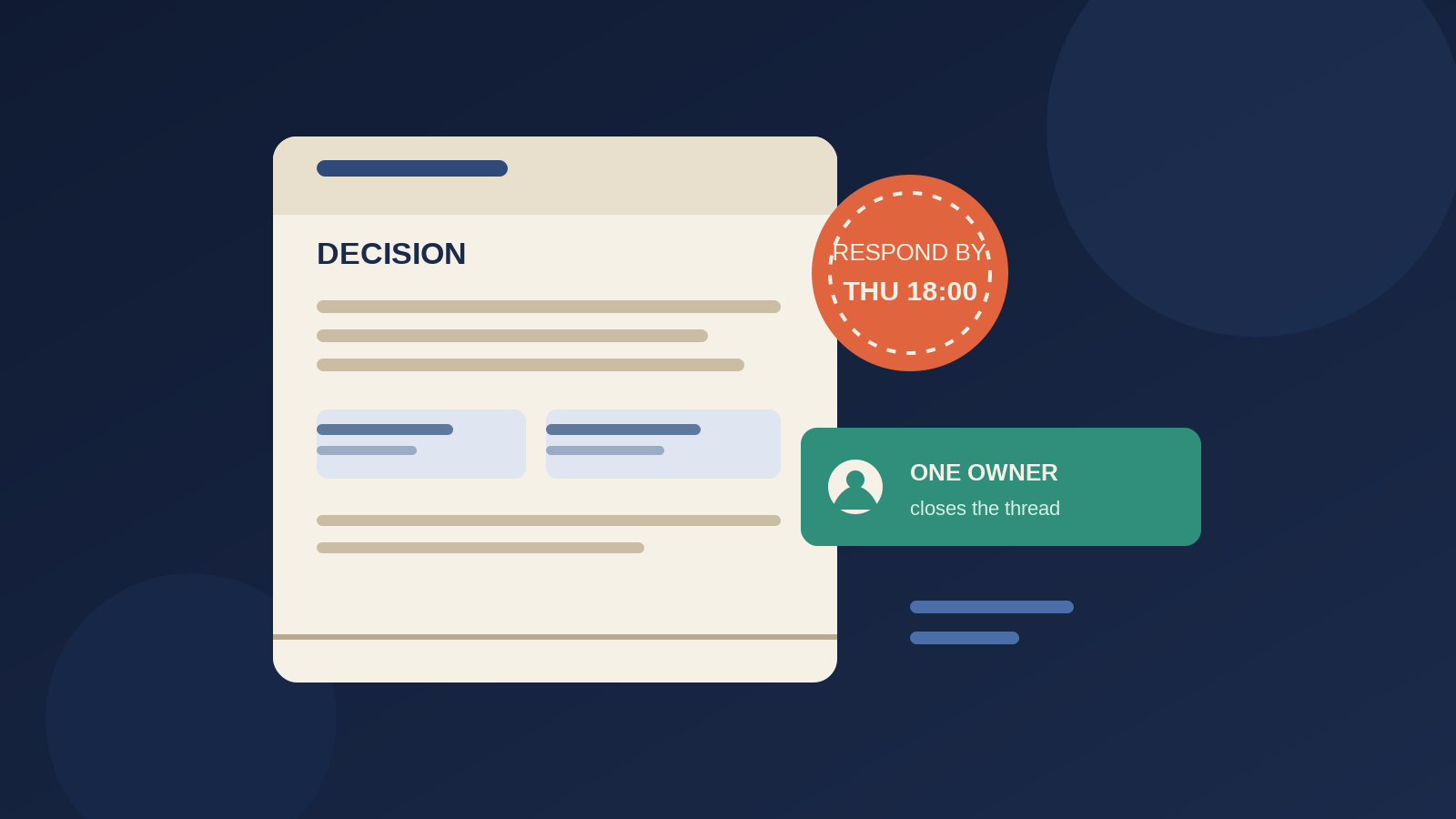
“Reply quickly” means different things to a colleague about to begin a shift and someone going offline for the day. Write a response window in working hours and decide where the team should send each kind of request. Save the convention somewhere that a new team member can find.
Start with the last few requests that stalled. Which needed an acknowledgment before work could continue? Which could wait for the recipient’s next check-in? Use actual tasks to set the boundaries. If a fix will take longer, a reply can say when you expect to look at it.
| Kind of request | A sample team rule |
|---|---|
| Routine suggestion | Add it to the project document. Comments can wait until the next workday. |
| Work blocked by a decision | Assign it to the decision owner on the task and include a time and zone. |
| Service issue that meets the urgent criteria | Use the team’s staffed incident channel and the published backup. |
Agree the expected reply
Atlassian’s working agreements exercise gives teams a place to decide how to communicate. Try writing one phrase for a first response and one for a final answer. “Acknowledge during your current working day” is easier to interpret than a promise to fix every issue that day. Atlassian
GitLab’s handbook describes different communication channels for asynchronous work. In your own agreement, give each method a purpose. Use chat to get attention when appropriate and put the decision or change in the shared task. If either person is on leave, the published backup can take ownership. GitLab
Define a response window people can calculate
Start with the team’s actual working schedule. If a message arrives at 16:30 local time and somebody leaves at 17:00, a four-working-hour window can extend into the following day. Here is a simple example using 09:00 to 17:00. A request at 16:30 Thursday leaves half an hour that day and three and a half hours Friday. If Friday is a normal workday, the acknowledgement is due at 12:30 Friday local time. A public holiday or planned leave changes who could answer. Write which schedule the window follows and offer a route for decisions that cannot wait.
Separate the acknowledgement from the promised result. A colleague may be able to confirm they received a request before they have time to check the details. A useful early reply could say “I can look at the invoice reference tomorrow morning and report back by midday. Use the listed backup today if the payment batch closes sooner.” The sender sees where to route a real deadline instead of assuming the first reply guarantees the problem is fixed. Give messages enough time for the owner’s actual job, especially when the request crosses teams.
Atlassian’s working agreements include discussing the communication practices the team wants to use. Consider testing one rule you can state in plain words, such as “Use the tracked task for requests due this week, and ask the duty owner for help when a confirmed cutoff comes before their next check.” Choose a period to try it and let the whole team see how to request an exception. Atlassian
Compare three messages using the same rule
Suppose a teammate sends a question about wording in a document that will be reviewed next week. They can leave a comment and name the drafting date. A change that blocks a release tomorrow may need a direct assignment in the tracker with a published cutoff and someone responsible for it. A service incident that meets the group’s urgent rules should go where an on-duty responder can receive it. Ask the people who normally manage that work what conditions distinguish the cases. Verify that the person on duty receives requests from that channel.
Give the person asking for help a way to report an uncertain case. They can state the problem, time of impact, and which decision would stop it getting worse. A responder can move it to the right route and record why. If one group uses “urgent” for any request with a same-day deadline and another uses it to mean an active service issue, include an example of each in the agreement. Keep the actual cutoffs visible near the work people do instead of hiding them inside a long team charter.
GitLab’s communication handbook describes working in shared contexts and uses different channels for different conversations. Your team can agree which communications should end with a written decision in the project record. A chat acknowledgement can be useful during a shift. Write the changed delivery date alongside the order afterward so the next colleague can rely on the same information. GitLab
Check the agreement against time off and repeat requests
Look for who can receive a request during annual leave, a public holiday, or a gap between shifts. A simple rule may assign the queue to a backup whose hours are published. If nobody is staffed for a certain class of issues, tell the people who rely on the service when the next check will happen. A local label such as “end of day” needs a time zone when people follow it from another place. Add the visible dates when the working schedule differs.
Bring a handful of examples to the next review. If staff missed routine questions, check whether the sender used the agreed place and whether the person assigned could see it. If urgent requests were acknowledged inside the window but continued blocking work, ask whether you need a separate target for choosing a next step. Try a small change where the evidence points. Write which two or three messages you will check again at the end of the next week and who will bring them to the review.
Look for a sign the rules are wrong
Run the rules for two weeks, then review three recent requests. If a genuine blocker sat overnight because it looked like a routine note, add an example showing when to assign it and when to use the backup. If people overuse the urgent channel, compare the examples they cited against the team’s operational criteria.
Write down whom staff can ask when the categories overlap. A customer request with a deadline may require a faster answer without meeting the criteria for calling someone outside their working hours. Give the person on duty the power to decide and record how they handled it.
Use the agreed response windows when you hand a blocker to a different time zone, including the point where it needs escalation.