When you miss a remote meeting, start with what the group agreed and who has work to do. Open the agenda to identify the relevant topics, then find the written decision or action record. Read the change against the current task, because the group may have updated it since the call.
Suppose you missed a rollout review and your task depends on whether the team added a second release date. Look for the decision under the release topic and check the new owner and date. If there is a recording, jump to the relevant segment only when you need the reason behind the change. Keep your own remaining question short and link directly to the task.
Use the record you can access
GitLab’s guide discusses agendas, documented participation, and information people can use across time zones. Ask the organizer where the group keeps decisions and whether a missing item was deferred. An agenda can tell you what the group expected to cover. The updated task or decision entry tells you what it actually chose. GitLab
The W3C guidance discusses accessible materials, real-time captioning, and recordings of remote meetings. Use captions or a transcript if they are available and appropriate for the meeting. Automatic text can misread a name or number. Confirm any uncertain date or commitment from the owner before you act on it. World Wide Web Consortium
Read the part of the record that answers your question
Start with the agenda topic your work depends on. If the group discussed four projects and yours concerns the release date, go to the relevant document and find the outcome for that initiative. Mark what appears to have changed and which evidence you used. An agenda item may describe a proposed date. A current decision record can show whether the group chose it or deferred the question. Read the selected date in the task and check when someone last updated it.
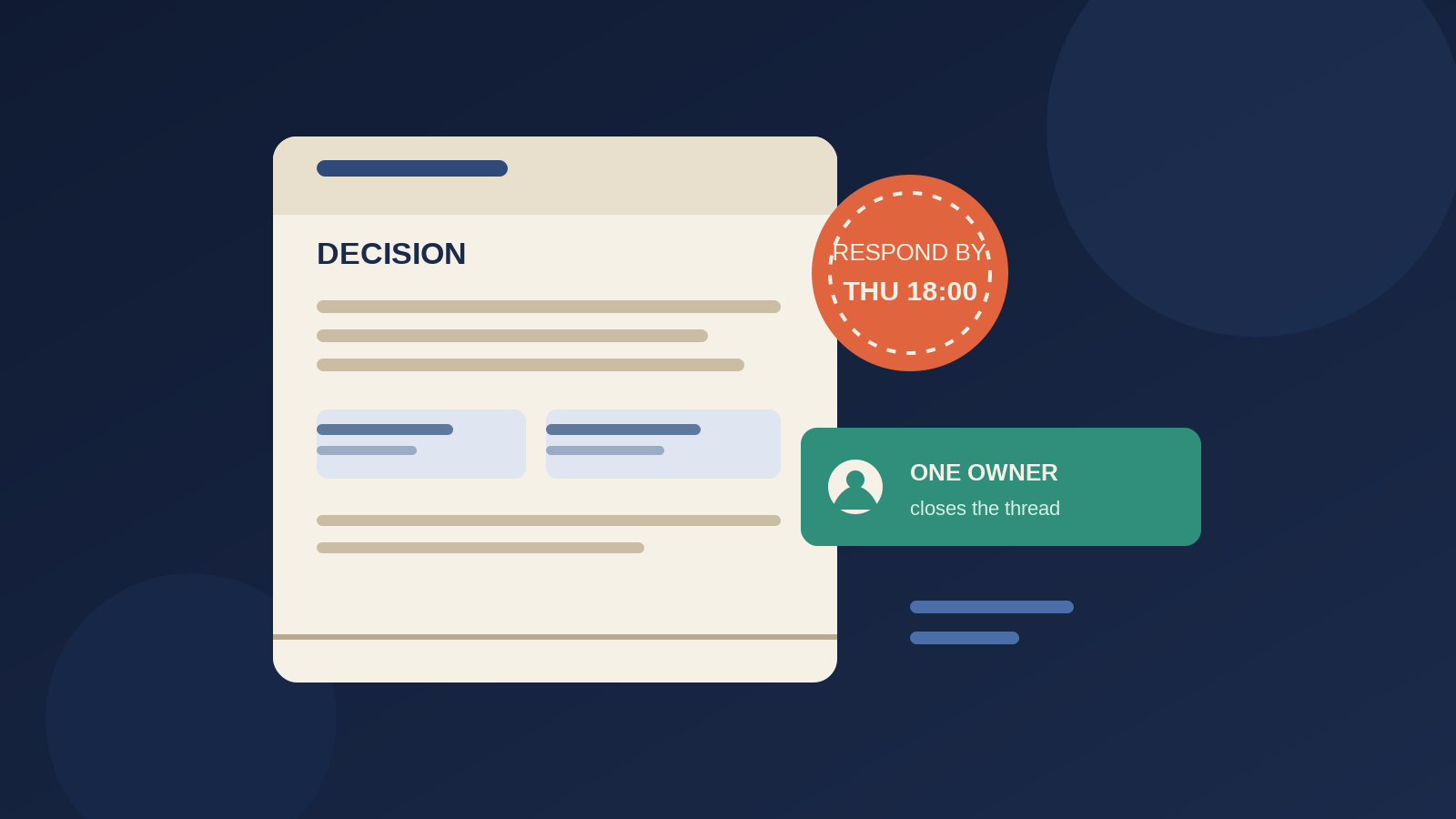
Suppose a recording says Thursday at one point, and the task has since moved to Friday. Ask which date now governs the work. The note in the task could have been changed after the meeting because another dependency appeared. A source timestamp helps the organizer answer. “The review record says Thursday. The task changed to Friday this morning. Do you want me to schedule the checks for Friday?” gives them a short choice. If a deadline affects another colleague, ask whether the update has been shared and point them to the same confirmed record once you get the answer.
GitLab’s handbook discusses agendas, notes, and recordings to support people in other time zones. It gives examples of recording conclusions and allowing asynchronous participation. Your team might keep the record in a task tracker or a shared document. Learn which one it uses for commitments and how a person who missed the meeting can see open items. GitLab
Check the difference between an incomplete record and an open decision
A note may be empty because the recorder missed the conclusion. It could be empty because nobody decided. If a decision affects delivery, mark its status as unknown until the responsible person answers. You can take an action that doesn’t depend on that decision, such as opening the current file and preparing the checklist. Hold an appointment or delivery promise until the date is known. Share what you can do and the exact condition that controls the next step.
Imagine the only available record is a caption transcript. Search for the agenda heading or a distinctive term, then check the words around it. A transcript can miss a negation, interpret a person’s name incorrectly, or omit something someone said away from a microphone. Verify any ambiguous commitment with the task owner. The W3C’s accessibility guidance discusses captions and accessible meeting material, including that people may use different ways to follow a meeting. Ask the organizer for an accessible version of the necessary material when the supplied format prevents you from using it. World Wide Web Consortium
If you need context for a decision, inspect only the relevant part of a recording available to you under team rules. A timestamped summary or short written explanation from an attendee may be easier to use. Avoid asking a colleague to repeat an hour of discussion when you already know the one choice that affects your work. If both the source and a second person’s answer are incomplete, say what remains unresolved and give an updated time by which you need to know.
Confirm the result where the work will happen
Once the owner confirms the change, attach your next action to the task in the place the team expects. If the decision concerns assignment of coverage, record who accepts it and when. If you have questions about how the decision relates to other work, put them near the file or linked record. Someone who misses a later session needs the same information you looked for. Use a comment that distinguishes the new confirmed date and anything still conditional.
A team may agree to keep recordings only for a short period. Before the record expires, add the confirmed result to the shared task if policy permits it. Include where an authorized person can check the source during the period it remains available.
Review one or two meetings that people often miss. If several need to ask the same question afterward, the team could add a field for outcome and owner in its standard notes. Make the result readable without requiring a replay, and explain which material can be shared. Put the verified action in the task, with a reference to the discussion when readers can access it.
Ask for the one detail you still need
A message could say “I saw the decision to add a Thursday release. The support ticket still says Tuesday only. Could you confirm who owns Thursday coverage?” That names the conflict and gives the organizer a small question. If you heard a different answer on a recording, include the timestamp instead of quoting half a discussion.
Once you know your next action, put it where others expect to track the work. If two people who missed the meeting both ask for the same detail, suggest adding a written outcome the next time.
If people routinely have to reconstruct the same status meeting, try a weekly brief with an explicit owner for each blocker.